How it Works Three simple steps to develop your own advertising or information display 1. Upload or create content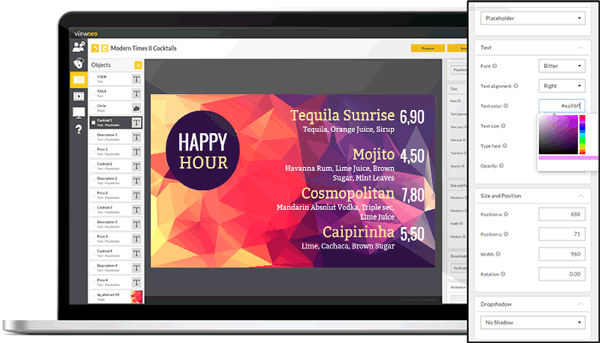 - viewneo supports all common image and video formats
- Upload MS Office documents or PDFs
- Show dynamic content with websites, RSS feeds, and XML or video streams
2. Create a playlist and add content  - Just drag and drop your content to order it in your playlist
- Set one or more timers for your playlist
- Simply the organization of your playlists and content with nested playlists
3. Link a Digital Signage player with an account - Connect a Digital Signage player (for example a viewneo 4K SignageBox) to your screen
- Link the Digital Signage player to your viewneo account
- Start playing your content and playlists
Do you want to test viewneo without a player?The viewneo Player app for Google Chrome gives you the ability to play viewneo playlists directly in your PC’s browser - without needing any additional hardware! All you need is Google Chrome. Explore the Chrome App Good luck and see you soon!
Your viewneo team |